Foreword
Every server discussion eventually hits the same question: is 80 ms of latency good? The honest answer is “it depends on what the server does.” A number that feels instant for a blog can ruin a game session. This post sets realistic targets by workload, starting with a floor that physics gives us for free.
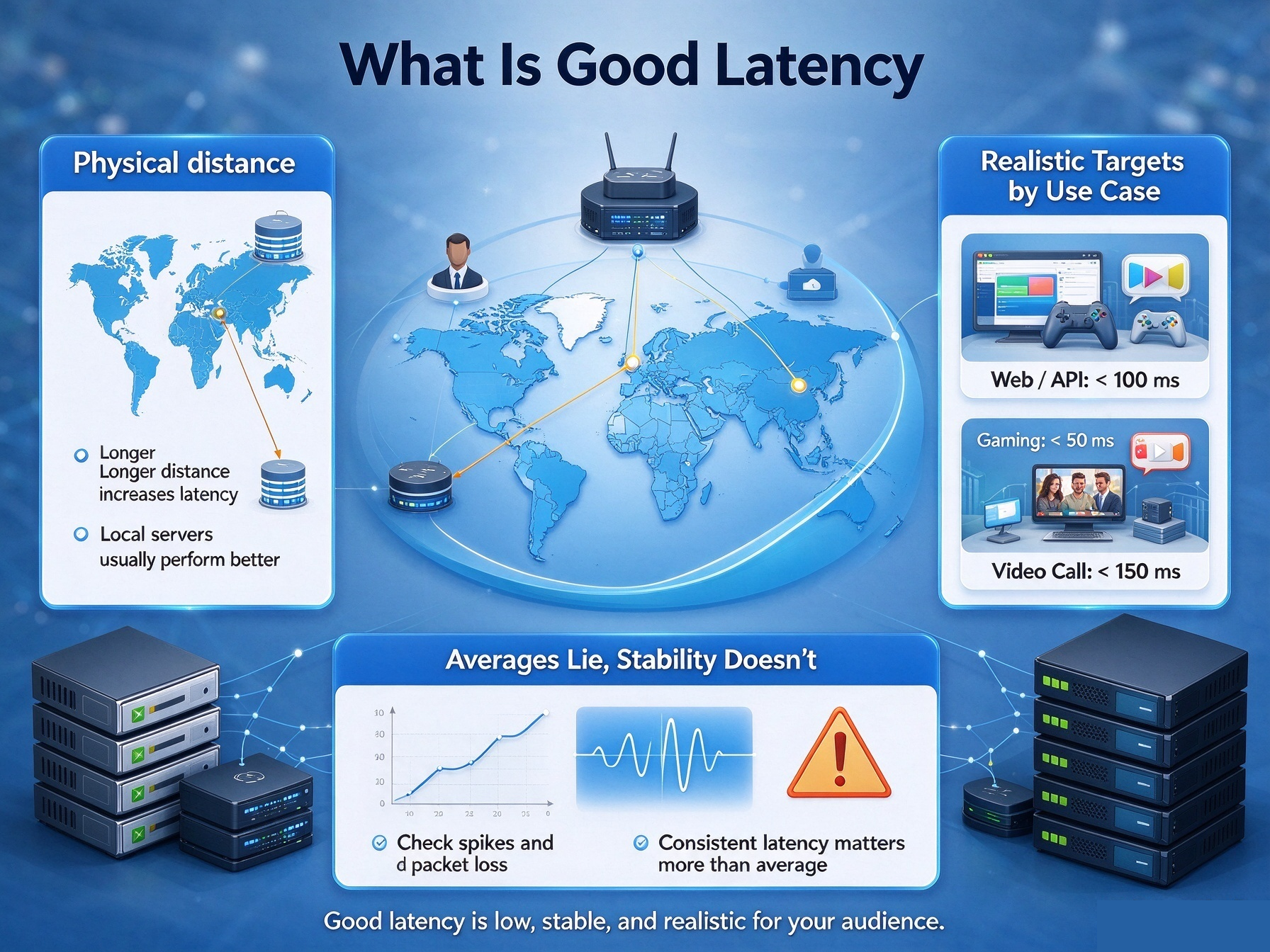
1. The Floor: Physics First
Light inside fiber travels roughly 200 kilometers per millisecond. So the best possible round-trip time is about the distance in kilometers, divided by 100. Los Angeles to New York is around 4,000 km — that sets a 40 ms floor, and real routes add overhead on top. No provider can beat physics. When a route looks slow, first ask whether a faster one is even physically possible.
2. Realistic Targets by Use Case
Rough guides, by workload:
Personal blog or portfolio: under 200 ms feels fine; users rarely notice the difference below that.
Web app or API backend: under 100 ms is good; 100–200 ms is acceptable; checkout and payment flows deserve the low end.
Remote desktop and admin work: under 100 ms feels responsive; past 150 ms, every keystroke drags.
Voice and video calls: under 150 ms works well; past 200 ms, people start talking over each other.
Online gaming: competitive play wants under 50 ms; 50–100 ms stays playable; past 150 ms turns frustrating.
Trading or arbitrage bots: every millisecond is money — this is colocation territory, not ordinary VPS.
Pick your row first. Only then judge your numbers.
3. Averages Lie, Stability Doesn’t
Latency is a distribution, not a single number. A stable 120 ms connection usually feels better than a line that averages 60 ms but keeps spiking. Two servers with identical averages can feel completely different in real use. So when you test, watch the spread across runs, not just the mean.
4. How to Judge Your Own Server
Three steps, in order:
Compute the distance floor between your users and the server location.
Test from where your users actually are, at their peak hours — not from your own laptop at noon.
Compare the result against your use-case row, not against the fastest box in some benchmark.
If you clear the row with margin, latency is not your problem — look elsewhere. For the stubborn cases where specs look great but lag persists, I covered the usual suspects in Why Do High-Performance Overseas VPS Servers Still Experience Lag?
The workloads I run care about stability, and they sit on VMRack’s self-built data center at Equinix LA4 in Los Angeles — route details are documented clearly enough to compare against the physics floor, which makes step 1 easy.
Conclusion
“Good latency” simply means “better than your use case needs, at your users’ peak hours.” Find the physics floor, find your row, measure honestly — and stop chasing milliseconds your project will never feel.
Thank you very much for reading to the end!